

A project manager gives notice on Friday. On Monday they start with a competitor in Cool Springs. Somewhere in between, the client list, three proposals, and a pricing sheet landed in a personal Google Drive. No firewall saw it, because nobody broke in.
Insider threats look like that. Most security spending points at strangers. The people who already have a login get less attention, and they can do as much damage, usually by accident.
Who counts as an insider
CISA's definition covers anyone who has or had authorized access to your systems or information. Employees and owners, yes. Also former staff, contractors, your outside bookkeeper, the vendor with remote access, and the cleaning crew with a key card.
Some insiders steal or sabotage. Far more just make a mistake with access they were handed.

How insider threats show up in a small business
- Data walking out. Client files emailed to a personal account or copied to a thumb drive before a last day.
- Sabotage. A frustrated employee deletes a shared folder or changes a password on the way out.
- Snooping. Everyone in the office can open the payroll folder, so someone does.
- Mistakes. The wrong attachment, a reply-all, a laptop left in the car.
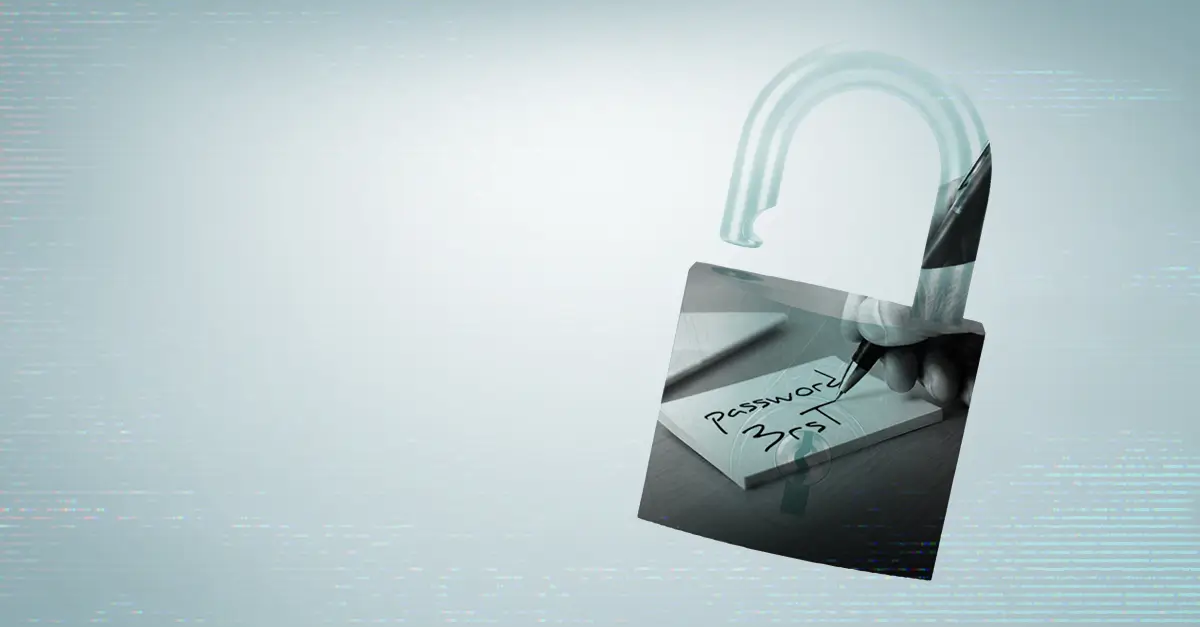
- Shared logins. One password on a sticky note, used by four people. When something goes wrong, you can't tell who did it.
- Unapproved AI. Someone pastes a client contract into a free chatbot to get a summary. We covered that risk in the hidden cost of DIY AI.
Insider threat warning signs worth a second look
One odd event usually means nothing. A pattern deserves a closer look, especially during a notice period or after a rough review.
- Large downloads, or uploads to personal cloud storage
- Requests for access that has nothing to do with the job
- Logins at odd hours or from a personal laptop
- Antivirus or other security tools switched off
- Company files going into AI tools nobody approved
You only see these if something is recording them. Microsoft 365 and Google Workspace keep activity logs on business plans, with detail that depends on the license. Someone still has to know where to look.
Close the gaps without treating your team like suspects
Match file access to the job. Payroll, HR, and client financials belong in folders limited to the people who use them. Account cleanup and administrator rights are their own job, covered in 6 free cybersecurity improvements you can make today.
Write a one-page rule for data and AI. Name the approved AI tools, what can't go into them, and where client data is allowed to live. Then cover it in security awareness training so it doesn't sit in a drawer.

Run every departure from a checklist. Turn off access at the end of the last day, collect devices, change any shared passwords the person knew, and route their mailbox to a manager. Same day, every time.
Decide now who handles a suspected insider incident: who pulls the logs, who calls your attorney or insurer, and who talks to the employee. An incident response plan settles that before emotions run high.
If you aren't sure who can open your payroll folder, call Net Works at 615-249-1131. In ten minutes we can map who has access to what, and what a departing employee could still walk out with.
Schedule a Complimentary Consultation