
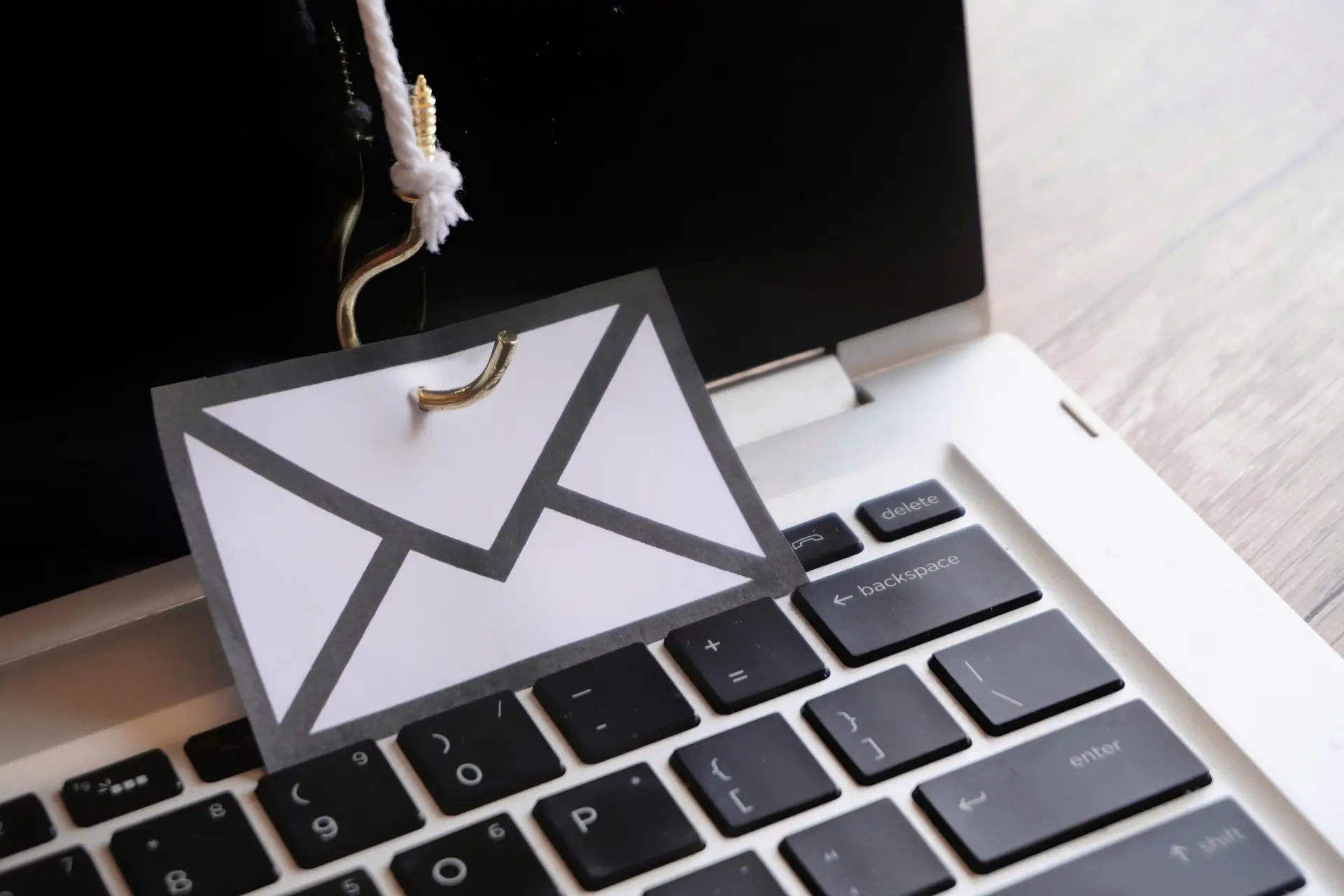
The email comes from your real vendor, on a thread you've used for a year. Same signature, same tone. Their bank changed, it says, so please update the account before Friday's payment. The only thing wrong is that someone else is now reading their inbox.
Preventing phishing scams used to mean spotting typos and odd links. Now the message often looks right, so the defense has to be a habit that holds up when it does.
The typo test stopped working
AI writes clean, confident email in any voice. Attackers feed it your website, staff LinkedIn profiles, and press mentions, then name a real client or project. Some clone a voice from a short video and call. We covered how AI made cybercrime cheaper and smarter back in January.
Security awareness training that still teaches people to hunt for misspellings gives them false confidence. Teach them to question the request, however polished it looks.

Where phishing shows up now
- Email from a hijacked or look-alike vendor account asking for a payment or a bank change. This is business email compromise, and it's the version that moves money.
- Texts. The "unpaid toll" message keeps landing on Middle Tennessee phones, sent to people who haven't paid a toll all week.
- Phone calls, including a cloned voice that sounds like the owner asking for a quick wire.
- QR codes on a fake invoice, flyer, or package slip, which many email filters can't read.
- Teams or Slack messages from an outside account posing as IT.
Preventing phishing scams starts with a callback rule
Pick the requests that always get checked: bank detail changes, new payees, direct-deposit changes, wires, gift cards, and password or MFA resets. Verify every one through a contact you already had. Call the number in your files, never the one in the message. Walk down the hall. Text the owner at the number saved in your phone.
For payments, add a second person. One approves, one sends. Scammers depend on urgency, and a one-day wait breaks most of these.

For voice requests, agree on a question only the real person could answer. It feels silly until a caller sounds exactly like your boss.
Make reporting faster than clicking
Someone will click eventually. What matters is hearing about it in five minutes instead of five days.
Add a report-phishing button in Outlook or Gmail and tell everyone who to call. Thank whoever reports, even on a false alarm. If someone already typed a password, change it, sign that account out everywhere, and call the bank right away if money moved. The FTC's small business guidance also points businesses to IC3, the FBI's complaint center.

Email settings that catch what people miss
- Filtering that checks links and attachments and tags outside senders
- SPF, DKIM, and DMARC on your domain, so it's harder to send mail that looks like it came from you. The FTC recommends all three.
- Phishing-resistant MFA, such as passkeys or a security key. Turning on MFA is the first step in our free cybersecurity improvements.
- A shorter staff page. Every name, title, and email address on your site is a ready-made target list.
If you aren't sure your team would catch a fake bank-change request, call Net Works at 615-249-1131. In ten minutes we can walk through how your office verifies payments and what your email settings are catching.
Schedule a Complimentary Consultation